UI vs UX: Designing Better Digital Experiences
Master the balance between aesthetics and usability for impactful design.
- UI vs UX: Understanding the Core Differences for Optimal Digital Experiences
- What is User Interface (UI)? The Art of the Visual Touchpoint
- What is User Experience (UX)? The Science of the User Journey
- UI vs UX: The Core Differences
- How do UI and UX Work Together?
- The Role of UI/UX in Web App Development
- UI vs UX FAQs

UI vs UX: Understanding the Core Differences for Optimal Digital Experiences
Have you ever wondered why some websites feel right while others are clunky or confusing? That’s where UI (User Interface) and UX (User Experience) come in. They’re the backbone of every digital experience, from your favorite shopping app to the website you’re reading this on. Although they may appear alike, UI and UX play very different roles. But together, they’re what makes or breaks your users’ experience. Whether you’re diving into web app development or giving your current product a fresh look, understanding the difference between UI vs UX is key to getting it right.
In this article, we’ll explain what distinguishes UI from UX, how they complement each other, and why mastering both is vital for creating smooth digital experiences that resonate with your users.
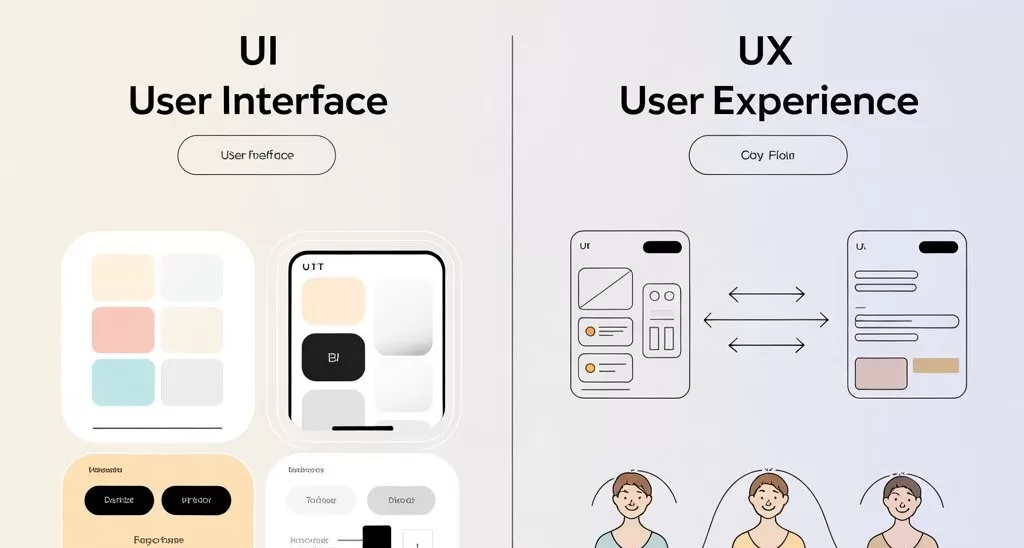
What is User Interface (UI)? The Art of the Visual Touchpoint
User Interface (UI) is the point of interaction between the user and a digital product. It includes everything you see on a screen: buttons, colors, spacing, typography, icons, and animations. Think of it as the product’s look and feel.
Key Elements of UI Design:
-
Layout & Structure:
How content and features are visually organized.
-
Visual Design:
Use of color schemes, typography, and branding.
-
Interactive Components:
Buttons, sliders, forms, and menus.
-
Responsiveness:
Adapting layouts for different screen sizes and devices.
-
Accessibility:
Ensuring interfaces are usable for all, including users with disabilities.
Role of a UI Designer:
UI designers create visually engaging interfaces that align with the brand’s identity and guide users intuitively through the product. Their work ensures that digital products are both beautiful and functional.
Why UI Design matters:
A clean and user-friendly interface reduces obstacles, improves brand image, and allows users to navigate effortlessly.
What is User Experience (UX)? The Science of the User Journey
User Experience (UX) focuses on the overall journey a user takes while interacting with a product. It involves user research, wireframing, prototyping, usability testing, and more. UX is about how a product feels, not just how it looks.
Key Elements of UX Design:
-
User Research:
Gaining insights into user requirements, behaviors, and challenges.
-
Information Architecture:
Organizing content in a clear, user-centric manner.
-
Wireframes & Prototypes:
Creating blueprints and mockups to evaluate user navigation.
-
Usability Testing:
Detecting friction points and refining the user experience.
-
Interaction Design:
Outlining how users move through and engage with the system.
Role of a UX Designer:
UX designers ensure a product is intuitive, efficient, and enjoyable to use. Their goal is to enhance user satisfaction by improving functionality, accessibility, and emotional connection.
Why UX Design matters:
Exceptional user experience enhances user engagement, brand loyalty, and improves conversion rates without overloading users.
UI vs UX: The Core Differences
Here’s a clear side-by-side comparison to help understand how UI and UX differ yet complement each other:
| Aspect | UI (User Interface) | UX (User Experience) |
|---|---|---|
| Focus | Look and feel | Functionality and usability |
| Main Concern | Visual design, interactivity | User flow, satisfaction, overall journey |
| Key Deliverables | Buttons, icons, typography, layout | Wireframes, prototypes, user research |
| Tools Used | Figma, Adobe XD, Sketch | Figma, UXPin, InVision, UserTesting |
| End Goal | A visually pleasing interface | A smooth and meaningful user experience |
| Time of Execution | After UX is mapped out | Before UI, during strategy and research phases |
How do UI and UX Work Together?
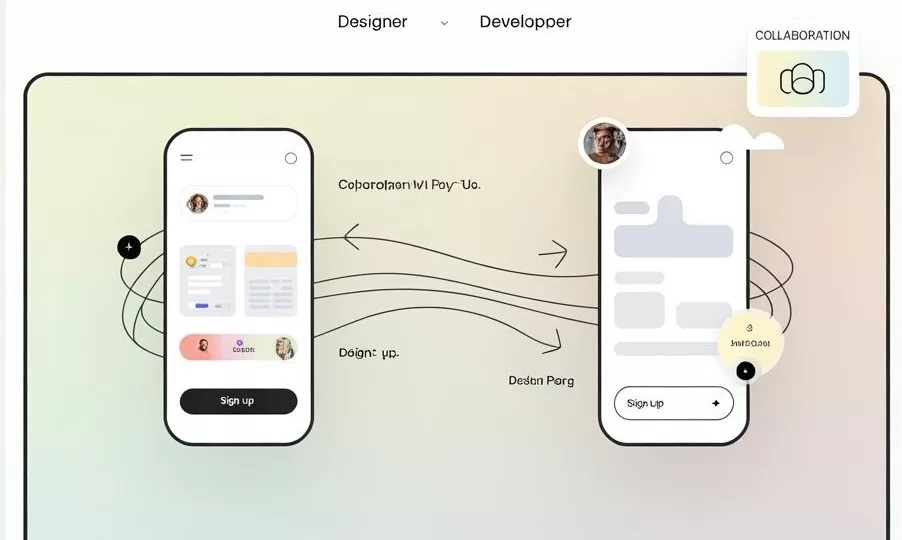
UI and UX are often seen as separate roles, but in reality, they are two sides of the same coin. While UI focuses on how things look and UX on how they work, one cannot succeed without the other. An attractive interface cannot compensate for a confusing or frustrating user experience, and a smooth user flow may be insufficient if the visuals are unattractive or unclear.
This is where effective UI UX design comes into play. When both elements work in harmony, they create a complete and satisfying digital experience. The importance of UI/UX lies in its ability to make a product not only function seamlessly but also feel enjoyable and intuitive. Investing in both ensures your product delights users, encourages engagement, and turns casual visitors into loyal customers.
What is The Role of UI/UX in Web App Development
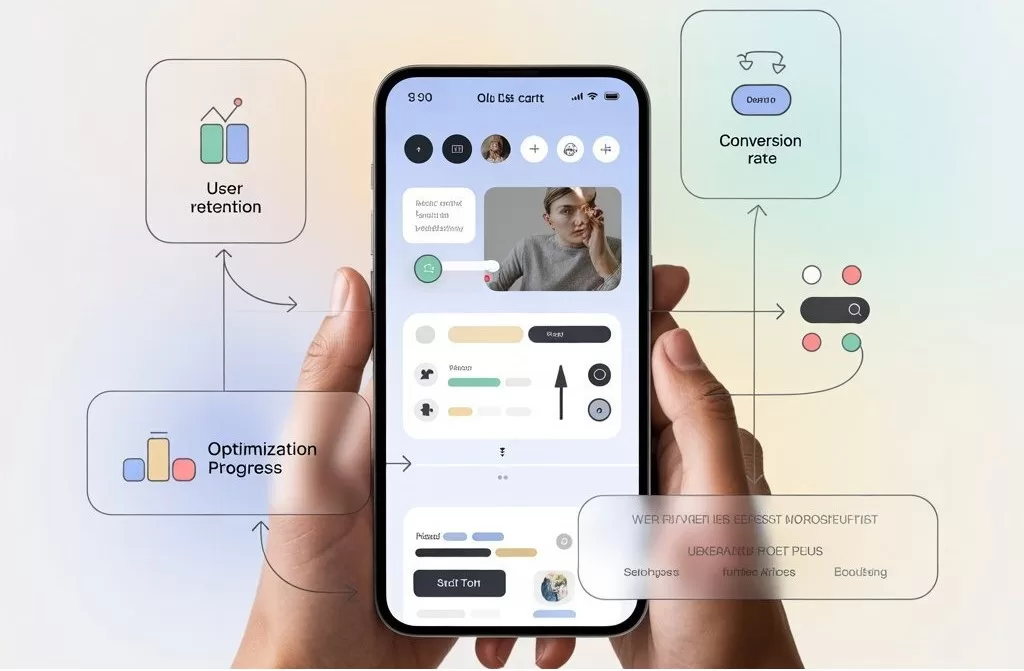
In web app development, UI and UX play a vital role from initial concepts through to optimization after launch. A well-structured UI/UX approach guarantees that your application:
- Loads quickly and operates efficiently
- Provides straightforward navigation and user action pathways
- Captivates users through engaging and visually appealing elements
- Minimizes obstacles, enhancing conversion rates and user retention
Partnering with UI/UX specialists or engaging a skilled UI/UX services team can greatly enhance your web app’s effectiveness and user satisfaction.
UI vs UX FAQs
1. What does a UX UI designer do?
A UX UI designer works on both user experience and user interface, focusing on both how a product looks and how it functions. They ensure a seamless, enjoyable digital experience from end to end.
2. Which comes first, UI or UX?
UX comes first. The user journey is mapped out before the visual elements are added. Once the structure and logic are finalized, UI designers bring it to life visually.
3. Is UX more important than UI?
Both are equally important. UX ensures usability and satisfaction, while UI delivers aesthetic appeal. A great product needs both.
4. What are common UI/UX tools used in 2025?
Popular tools include Figma, Adobe XD, Sketch, InVision, UXPin, Maze, and Balsamiq. AI-powered design tools are also gaining popularity.
5. How do UI and UX impact SEO or conversions?
A well-designed UI/UX improves page engagement, reduces bounce rates, and encourages users to take action, factors that positively influence SEO and conversion rates.
Unsure What Comes Next?
We'll help you find the clearest, smartest path forward.


Article by
Kirandeep Kaur
Business Development Executive
Kirandeep connects businesses with tailored tech solutions at Tech Formation, specializing in building strong client relationships and driving growth through strategic outreach. The role involves identifying opportunities, nurturing collaborations, and helping brands transform ideas into innovative digital solutions.
Let’s Connect and Create Something Remarkable